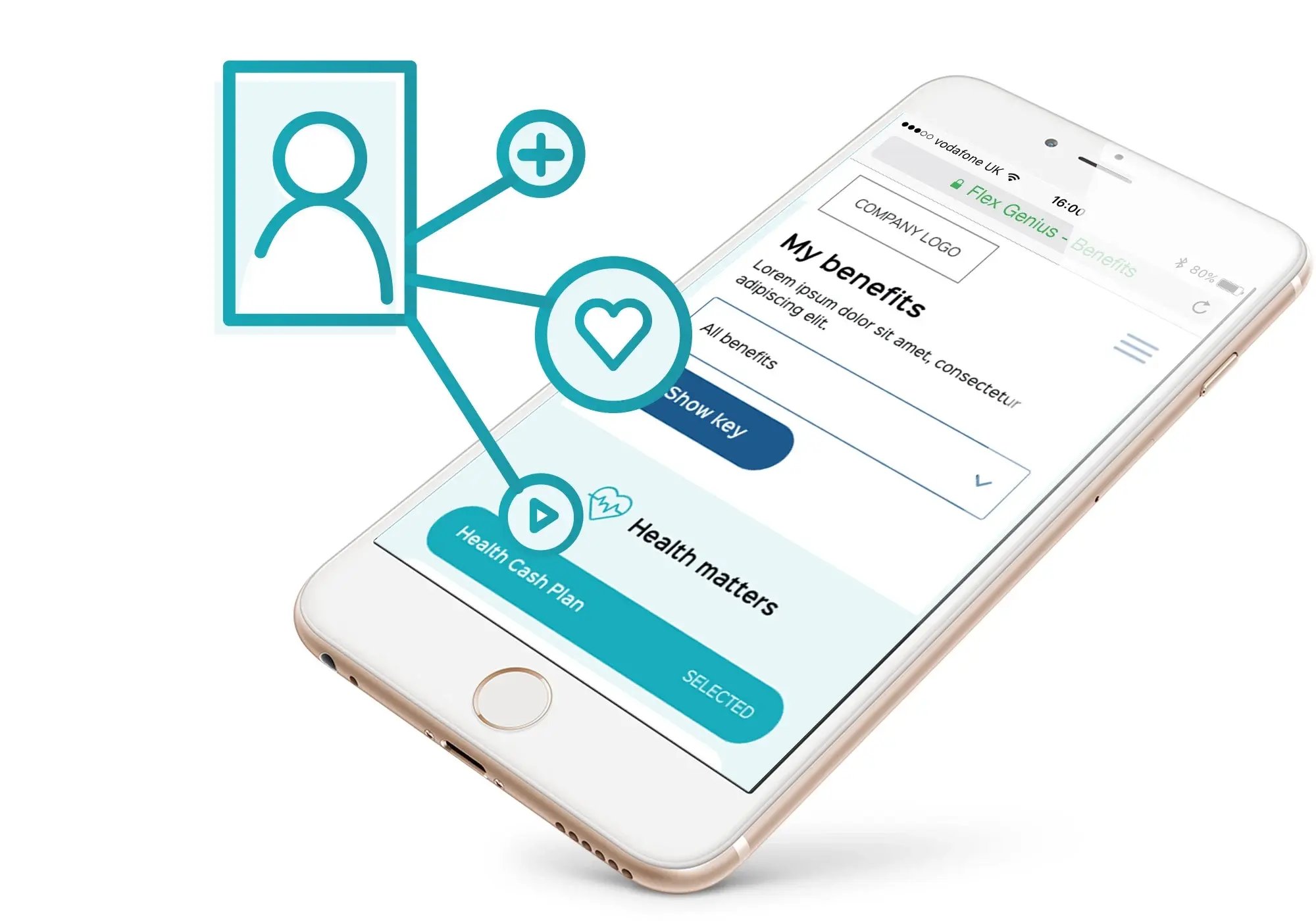
Policy and document management tool
Most HR teams manage more documents than they should have to. Policies, handbooks, procedures and forms spread across shared drives, email threads and outdated intranets. FlexGenius gives you a single, secure hub for all your HR document management: version-controlled, permission-based and searchable from day one.
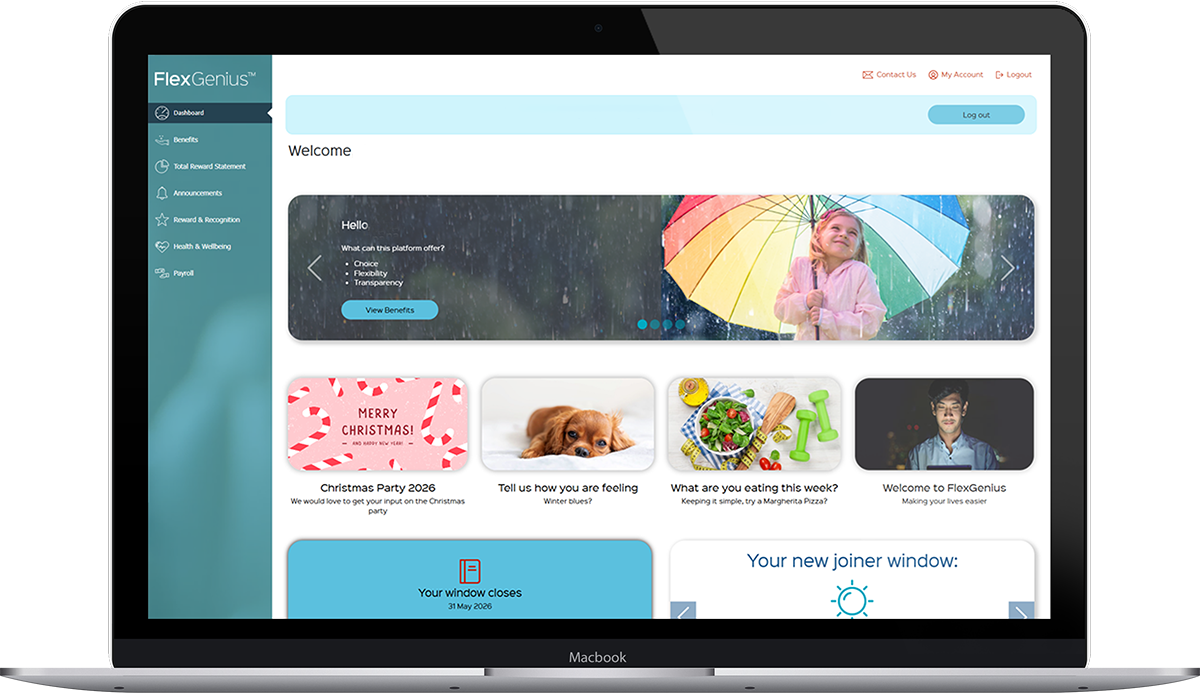
HR document management, built around how your organisation works
FlexGenius gives HR teams a structured, secure place to host, publish and manage the full range of company documents. Version control, permission-based access, search functionality and sub-folder organisation are all built in, so you are not relying on a patchwork of shared drives and email attachments. It suits mid-market and enterprise organisations that need their employee document management to be reliable, auditable and easy for employees to use. Everything sits inside the same platform your people use for benefits, which means one less login and one less system to explain.
Policy and document management tools, available through FlexGenius
Version control
FlexGenius automatically time-stamps and verifies documents when they are updated. One-step publishing means changes go live quickly, with a clear audit trail showing what was published, when, and in which version. There is no risk of employees accessing outdated policies.
Document library
Host an unlimited number of company documents in a structured library with search functionality and sub-folder organisation. Employees can locate what they need without contacting HR. Any document in the library can be embedded or linked from other pages and communications within FlexGenius.
Permission-based access
Restrict access to documents based on any pre-defined employee group or category: department, location, employment type or any custom segmentation. HR teams have full control over who sees what, with the ability to publish different document sets to different employee populations.
How document management tools work with FlexGenius
1. Audit your existing document landscape
We start by understanding what documents you currently manage, where they live and how employees access them. This shapes the folder structure and permission groups we configure in FlexGenius, so the library reflects how your organisation works from the outset.
2. Configure your library and permissions
Your documents are loaded into FlexGenius and organised by category, department or any folder structure that makes sense for your organisation. Permissions are set at document or folder level so each employee group sees only what they need to see.
3. Publish and notify
Once documents are live, your HR team can update, replace or archive them from the dashboard. Version control handles the audit trail automatically. For important policy updates, the FlexGenius communication tools can be used to notify the right employee groups directly.
4. Manage and keep current
As your organisation changes, FlexGenius makes it straightforward to keep documents up to date. Add new policies, update existing ones and adjust permissions as your workforce evolves. The platform keeps a clear record of every published version.
Control, visibility and consistency for HR documents
Managing HR documents sounds simple until policies, forms and guidance are stored across multiple systems and shared with different employee groups. Most organisations encounter the same four challenges:
- Documents scattered across emails, intranet pages and shared drives, so employees may not always know which version is the most up to date
- Version control managed by hand, with no reliable record of what changed, when, or who has seen the update
- No way to publish different documents to different audiences, so sensitive or location-specific content ends up in front of the wrong people
- Poor discoverability, which sends routine queries to HR and leaves employees acting without the information they need
Each of these is a compliance risk as much as an operational one. FlexGenius removes them at the source: every HR document gets one secure, structured home inside the platform your people already use, and your HR team controls what is published, to whom, and how it is found

"We have received great feedback from our staff members about the system – how it is easy to use, aesthetically pleasing and it’s certainly helped from an admin perspective.
The reporting is nothing short of brilliant – we’ve had issues in the past where invoices / payments have been missed to providers but with our scheduled reports in place, this has massively reduced room for error and it is certainly of help to our accounts team / payroll provider. We were under very tight time constraints with the launch of our annual benefit window and the Avantus team were so hard working and meticulous with the build and implementation."
Steph Shephard, HR operations executive, Cluttons LLP
The value of document management tools for your organisation
- Reduce the risk of compliance issues caused by outdated, inconsistent or inaccessible policies
- Permission-based publishing ensures sensitive documents are only visible to the employee groups that need them
- A searchable document library reduces the volume of routine queries from employees, freeing up HR capacity for higher-value work
- Help new starters become productive more quickly by giving them immediate access to the information and resources they need
The value of document management tools for your people
- Employees always access the most current version of every policy, handbook and procedure, without needing to ask HR
- A searchable library means finding the right document takes seconds, not a support ticket
- Settle into a new role more quickly with access to key information from day one
- Easy access to clear policies helps employees understand their rights, responsibilities and the support available to them
Other solutions that work alongside your HR document management
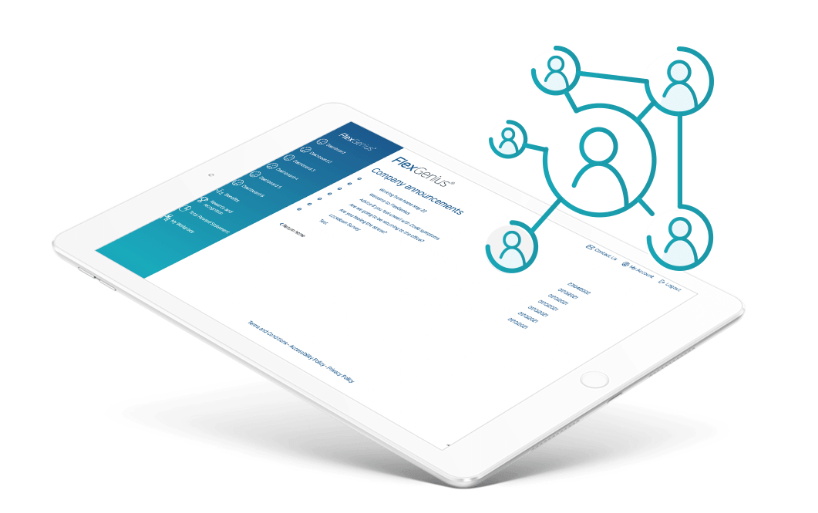
Document management works best as part of a broader HR and benefits platform. These FlexGenius modules sit alongside your policy and document tools to give employees a complete portal experience.
Employee communication tools
Pair your document library with targeted announcements and surveys to make sure employees know when policies are updated.
Reward and recognition
Recognise contributions and celebrate milestones to build a stronger culture of appreciation.
Financial education
Complement your HR documents with financial education and guidance content that helps employees make the most of their benefits.
Total reward statements
Give employees a personalised view of their full package in the same portal as your HR documents.
FAQs about document management tools
FlexGenius supports any company document: HR policies, employee handbooks, procedures, forms, guidance notes, onboarding materials and more. Supported file types include Word documents, Excel spreadsheets, PowerPoint presentations and PDFs.
Yes. FlexGenius lets you restrict access based on any pre-defined employee group: department, location, employment type or custom category. You can publish different document sets to different employee populations without creating separate instances of the platform.
No. FlexGenius supports an unlimited number of documents. For organisations with large libraries, the platform includes search functionality and a sub-folder structure to keep everything organised and easy to navigate.
Yes. Any document hosted in FlexGenius can be embedded or linked from any other page within the portal, or included in communications sent through the platform. This makes it easy to point employees to relevant policies from within their benefits information.
Most FlexGenius implementations take between eight and twelve weeks from kick-off to go-live. Document library setup is typically a focused piece of work once the folder structure and permission groups have been agreed. Your implementation team will work through this with you from the outset.
FlexGenius operates on secure infrastructure and complies with UK data protection legislation, including GDPR. Access to documents is controlled by the permission groups you configure. Only employees assigned to the relevant group can view restricted documents.
Book a free demo
The only way to truly assess new software is to see it in action. Why not book a free demo of our simple-to-use system, and take the opportunity to ask our consultants how the platform can configured to your exact business requirements?
Want to have a chat?
Want to know a bit more about FlexGenius? Our team would be happy to chat with you today!